



Assembling drawers like a pro? Check out these helpful videos!
Congratulations on your custom cabinet with Ta'Or box drawers! Whether you are an experienced DIYer or just starting out with custom cabinets, these instructional videos will show you the way for a smooth installation.
1. What you need to install your drawer
Before you begin assembling the drawer, make sure you have all the necessary items: the drawer itself, 2 couplings, a bottom support with 2 screws, attachments for the front (front fasteners), and the front itself. To assemble everything, you'll need 3 tools: a star screwdriver (or Torx) size TX10 for small screws, a crosshead screwdriver for the front panel, and optionally, a star screwdriver size TX20 if you need to remove the front later. Work on a sturdy surface.
2. Installing the front fasteners on your front panel
The first step is installing the front fasteners on the front panel. Place the fasteners in the designated holes and push them in as far as they go. Preferably, use a crosshead screwdriver instead of a screw machine. Tighten the front until you feel resistance; at that point, it's sufficient. (Using a screw machine may overtighten the screw, causing the fastener's metal to split.) Once all fasteners are tightened, you can attach the front to the drawer. Follow the steps in the next instructional video for this.
3. Installing the couplings, front panel, and bottom support
Before attaching the front, you need to install the couplings. Place each coupling in the provided space (half-moon shape) at the bottom; it should fit perfectly. Note that during insertion, the bottom might slightly drop. Push it back up a bit to ensure proper alignment between the bottom and the side. Now you can attach the front.
Take the front panel and ensure the correct side is at the top. Let the front sink into the designated grooves. Slide the front downwards, and when it clicks into place, it's partially secured. Press on the front to click it firmly into position. (If this doesn't work, you can release the coupling, as demonstrated in the following instructional video.)
Now you can also attach the bottom support. Flip the drawer over, with the front facing down. Place the bottom support in the designated holes. Screw the screw at the back in place using a Torx TX10 screwdriver. Then, tighten the screw at the front. The drawer is now ready to be placed on the guides.
4. What if I can't attach my front panel to the drawer?
If you're having trouble mounting the front, don't worry. It likely means that the mechanism in the side walls of the drawer has been inadvertently pushed backward, but this is not a problem. To fix this, insert a screwdriver into the bottom hole at the base of the drawer. When you push and hear a 'click,' the mechanism in the side wall will spring forward. Now you can mount the front: Let the front sink into the grooves, slide to engage, and then click firmly into place.
5. Detaching the front panel
To remove the front, follow these steps: First, detach the bottom support. Then, use the bottom hole at the back of the drawer. Insert your Torx TX20 screwdriver and push against the metal. This action will automatically release your front.
6. How can I adjust my front panel?
Usually, your front panel is perfectly level immediately after installation. Is it a little crooked, too high, or too low? Don't worry, you can easily adjust this.
You will find two holes on the bottom of the drawer. Use the hole closest to the front panel . Insert your TX20 Torx screwdriver into it.
Turn the screwdriver to adjust the front panel up or down . Adjust both sides if necessary until the front is perfectly straight and level.
7. What are the two holes at the bottom of my drawer for?
With the top hole, you can adjust the front up or down using a TX20 Torx screwdriver. This is useful when the cabinet is completely finished, all the drawers are installed, and you want to make all the gaps between the drawers even.
Do you want to see exactly how to do this? Then watch the instructional video ' 6. How can I adjust my drawer front?'
The bottom hole is there to detach the front panel. If you push it in with your TX20 Torx screwdriver, the front panel will automatically pop off.
Watch the instructional video '5. Detaching the front' for more explanation.
8. Install push-to-open on external drawers
Did you choose a push-to-open system for your outer drawer ? Then your drawer will be equipped with TIP-ON BLUMOTION. This system ensures that the drawer opens when you push on the front. The drawer itself is the same as a standard outer drawer, but some extra components are mounted on the drawer slides.
The system comes with a left and right carrier , a left and right TIP-ON BLUMOTION unit , and two small parts for the TIP-ON synchronizer rod.
You can also perform the following steps if the conductors are already installed in the cabinet, but this is slightly less convenient.
First, take the left pull-out carrier and the left drawer slide . You will see a recess on the side of the slide. You will find the same recess on the pull-out carrier. Position the pull-out carrier level with this recess and insert it onto the slide. Then slide the pull-out carrier backward until you hear a distinct 'click'. It is now secured.
Next, you can install the TIP-ON BLUMOTION units . Here too, place the left unit on the left guide and the right unit on the right guide. Turn the guide over. You will find a small hole on the underside. Insert the pin of the TIP-ON BLUMOTION unit into this hole and press the unit down until it clicks firmly into place.
Repeat this for the other conductor. Now both conductors are equipped with the carriers and the TIP-ON BLUMOTION units.
9. Mounting the synchronizer rod
Did you choose a push-to-open system for your external drawer ? Then you must also install the TIP-ON BLUMOTION synchronization rod . This rod connects the left and right guides and ensures that the push-to-open system operates synchronously on both sides.
Install the synchronizer rod after the drawer slides , carriers, and TIP-ON BLUMOTION units have been mounted in the cabinet. See video ' 8. Installing Push to Open on External Drawers' for the installation of the TIP-ON BLUMOTION.
Take the TIP-ON synchronization rod and the two small parts that came with your drawer. Place one of these parts at each end of the rod.
Next, place the rod between the two drawer slides . Click the synchronization rod into the TIP-ON BLUMOTION units on both sides, left and right. The rod now connects one slide to the other.
The push-to-open system of your drawer is now synchronized, and you can install the drawer. Take the drawer box with the mounted front and simply place it on the runners.
Do you have any further questions about assembling your drawers or your cabinet?
Feel free to check out these assembly manuals for more help.
Or contact our team via chat, phone, or WhatsApp on weekdays between 9 am and 5 pm.
You can also send an email to aftersales@maatkastenonline .
We are happy to help you! 😊
Curious about the materials we use for your custom cabinets?
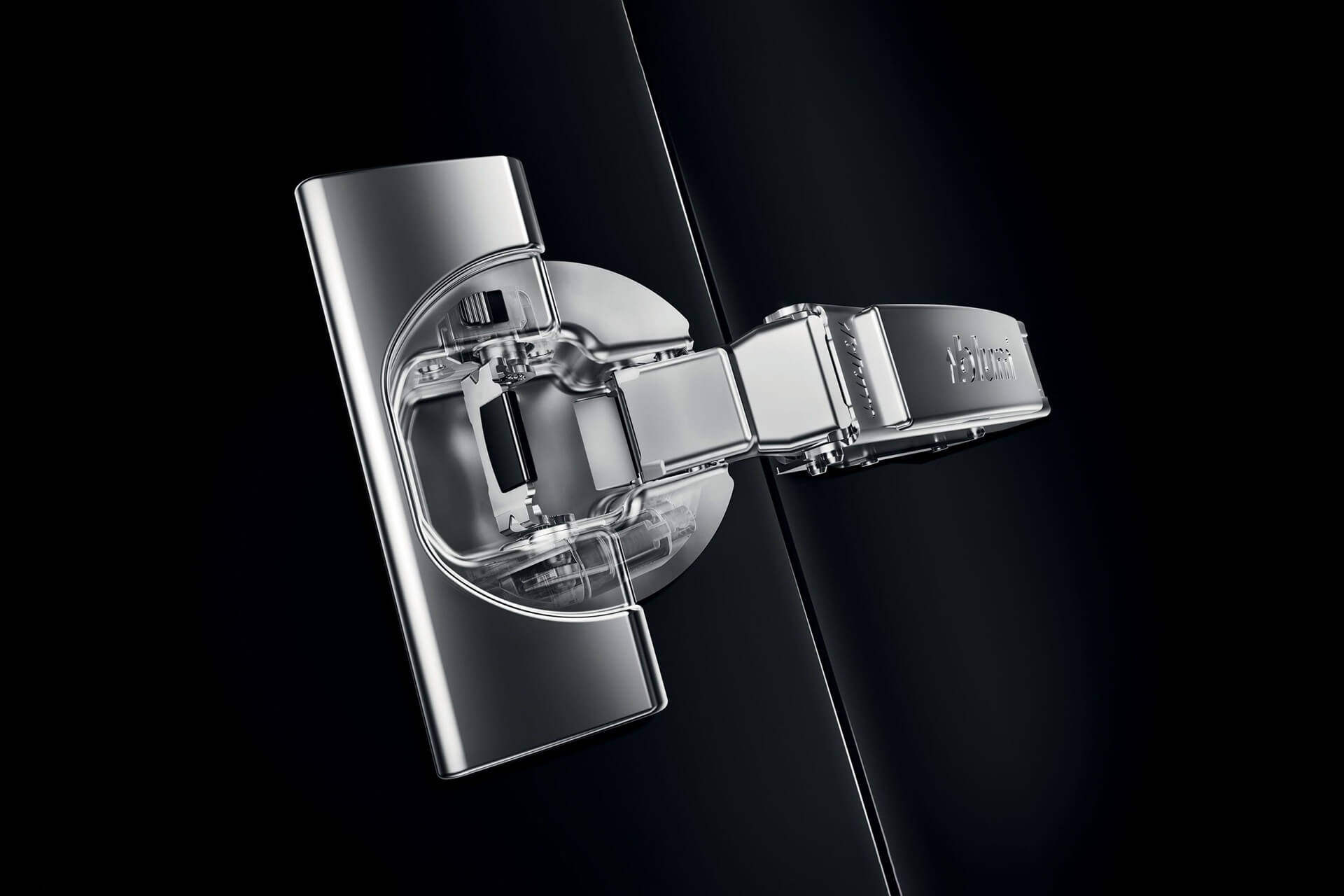
Your custom cabinet is crafted using high-quality joinery materials, including award-winning Ta'Or box drawers, high-quality Blum soft-close runners, and hinges. We use only professional interior paneling from Unilin, while stylish design handles provide the perfect finishing touch. Are you curious about our craftsmanship and the unparalleled quality of our custom cabinets?